
indian traditional wedding edius title free download
indian traditional wedding edius title free download

While its primary purpose is FRP removal, version 3.1 includes several diagnostic and management functions:
Version 3.1 successfully democratizes phone repair—moving FRP removal from expensive clinics to your home laptop. However, with great power comes great responsibility. Use this tool ethically, respect device ownership, and always back up data before attempting modifications.
The tool will automate the rest, and the phone will reboot with the FRP lock removed. Important Considerations
The Samfw Frp Tool 3.1 offers several benefits, including: Samfw Frp Tool 3.1
Incompatible with newer Android security patches that patched the *#0*# exploit.
While this is excellent for user security, it can be a nightmare for legitimate owners who forgot their credentials, bought a second-hand phone that wasn't reset properly, or are technicians trying to service a device.
The primary function of Samfw FRP Tool 3.1 is straightforward: to remove the Google account verification lock on Samsung smartphones and tablets without requiring the original password. Unlike more complex methods that involve flashing custom recovery images or using paid professional boxes (like Z3X or Octopus), version 3.1 is celebrated for its simplicity and accessibility. The tool typically requires the user to put the device into Download Mode, connect it to a Windows PC via USB, and click a single "Remove FRP" button. Within minutes, the lock is circumvented, allowing the user to set up the device with a new Google account. For repair shop technicians and second-hand device resellers, this tool is invaluable; it transforms a bricked (locked) device into a functional product, reducing electronic waste and saving hours of tedious manual work. While its primary purpose is FRP removal, version 3
The was a significant update released in August 2022, primarily known for introducing a "one-click" method to bypass Google's Factory Reset Protection (FRP) on Samsung devices. While newer versions like v5.4 are now available, version 3.1 remains a reference point for its efficiency in handling older security patches and region changes. Key Features of Version 3.1
Samfw FRP Tool 3.1 remains a valuable resource for unlocking Samsung and other Android devices. Its wide device support, essential features, and free price point make it an essential tool for mobile technicians and enthusiasts. However, given the rapid evolution of security patches, users dealing with newer devices should consider upgrading to later versions like 5.4, which offer improved support and bug fixes.
While version 3.1 is an older release, its core features have made it a staple in the Samsung repair community. Version 3.1 was released with several key functions: The tool will automate the rest, and the
Factory Reset Protection (FRP) is an Android feature that prevents unauthorized use after a factory reset. To use Google FRP, you' Esper Help
: Right-click the executable application file ( SamFwFrpTool.exe ) and select Run as Administrator to guarantee full USB device access.
For users on newer security patches (post-2022), it is recommended to use the latest versions, such as SamFw Tool 5.4, which adds support for newer Samsung security patches and EDL mode functions. SamFw FRP Tool - 4PDA
Functions for changing CSC or checking device info. 🛠️ Basic Usage Steps Connect: Link your Samsung device to a PC via USB. Drivers: Ensure Samsung USB Drivers are installed.
Try switching to a different USB port (preferably a USB 2.0 port on the back of the PC motherboard) or replace the USB cable. Ensure Samsung drivers are installed.

indian traditional wedding edius title free download
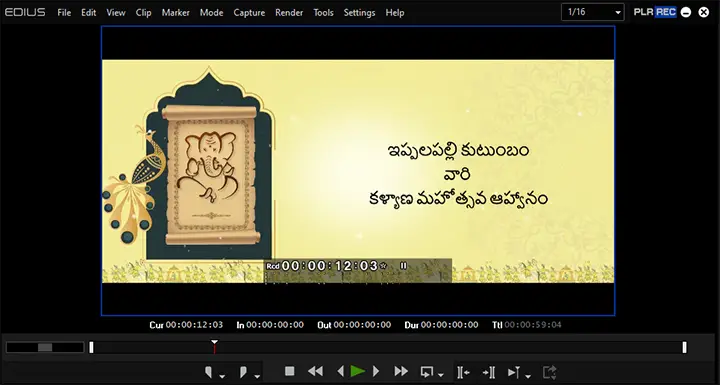
edius South Indian bridal wedding title project
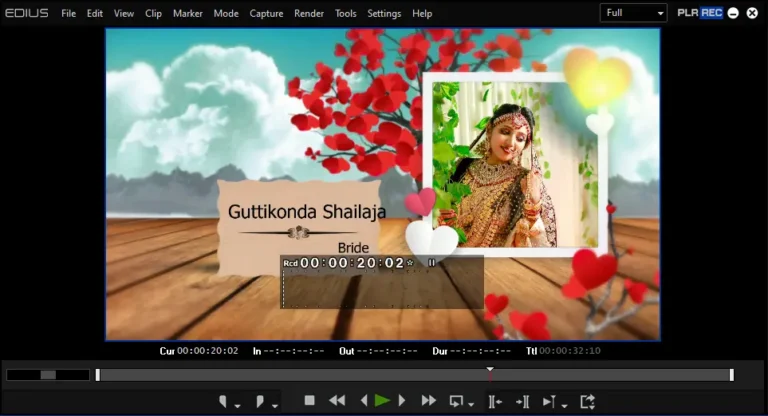
free edius title project
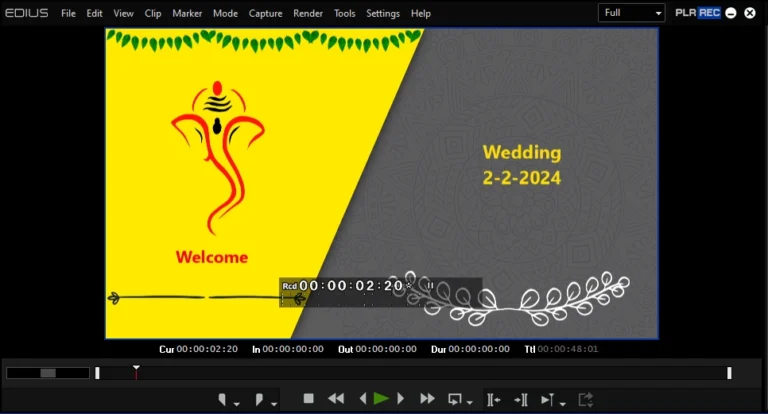
edius text effect edius title free download
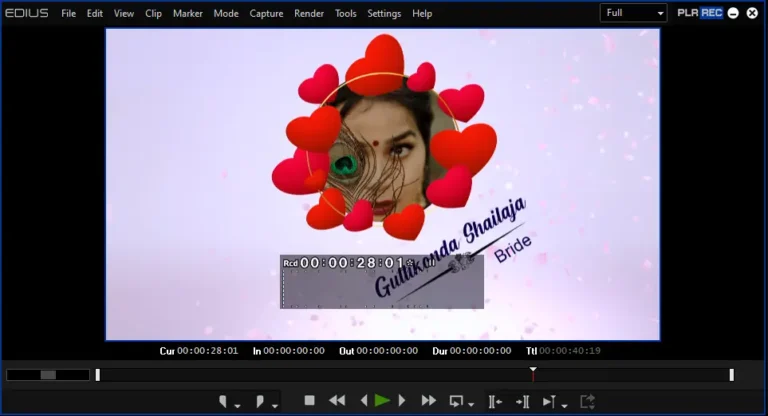
edius Hindi wedding title project download

edius whatsapp invitation project